
If you have a short evening window to write a service description, an open-ended instruction such as “make this persuasive” creates another editing job. A small brief gives you something concrete to check when the draft returns.
This guide produces one writing brief. It is an editorial exercise, not a software tutorial or a report of measured time savings.
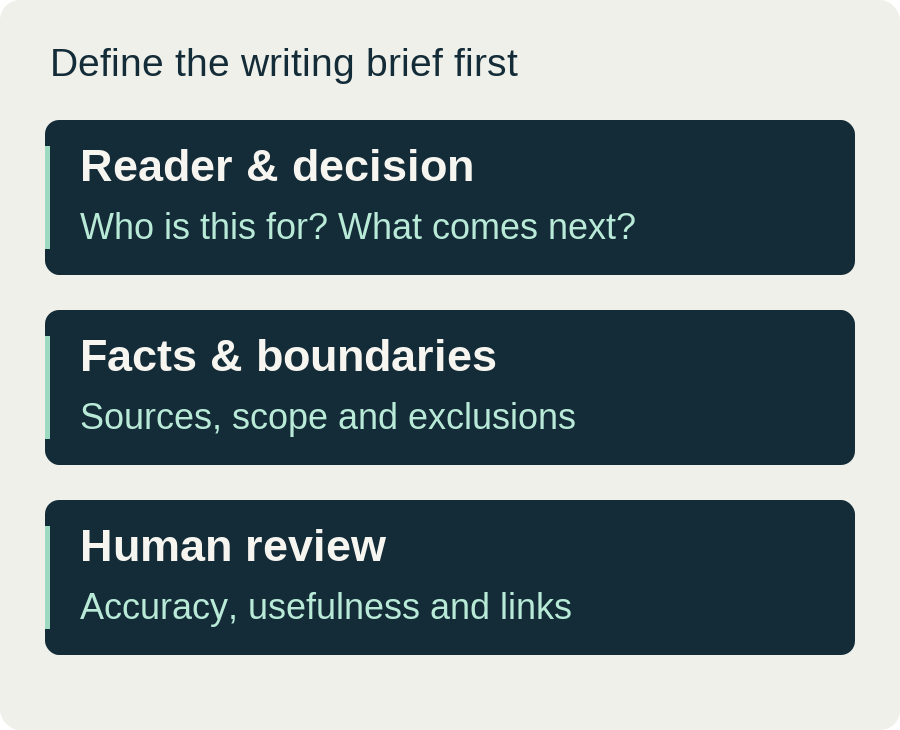
Fill seven fields before asking for a draft
| Field | What to put there | Fictional example |
|---|---|---|
| Reader | The situation, not only a demographic | Someone choosing tomorrow’s post after work |
| Next action | One useful step | Inspect the worksheet contents |
| Confirmed facts | Only what the product contains | One spreadsheet with a worked example |
| Unknowns | Conditions the writer must not invent | Price and mobile editing support |
| Reader’s question | An obstacle to using or buying it | What should I fill in first? |
| Boundaries | Claims and services to exclude | No automatic posting or revenue guarantee |
| Acceptance check | What a usable answer must include | One description plus a list of missing details |
The fictional product is a planning device. Do not copy its contents into your own offer unless those files and features actually exist.
Compare two briefs for the same task
“Write an introduction for my workshop” leaves the audience, the format, and the offer open. A reviewable version is “Write two short paragraphs for freelancers preparing their first client brief. The workshop is 45 minutes and includes one worksheet. Use the supplied schedule and leave the date blank until confirmed.” When you review the draft, underline every claim that was absent from the brief. Replace unsupported details with a question for the organizer and check that the paragraph still has a clear next step.
Turn the fields into a short request
Write one description for someone planning a post after work.
Confirmed contents: one spreadsheet and one worked example.
Purpose: help the reader decide whether to inspect the contents.
Unknown: the price and support for mobile editing.
Return unknowns as questions; do not add answers to the description.
Do not claim automatic publishing, customer results or guaranteed income.
Return the description and a separate list of checks before publication.
You can use this brief with an existing writing tool or write from it yourself. The useful part is the separation between facts and gaps, rather than any special wording in the prompt.
Repair claims by returning to the input
Suppose the draft says, “Automate every post and grow your business effortlessly.” Nothing in the example brief supports automation or growth. Remove that claim. A narrower alternative is, “Use the worked example to choose one reader question for your next post.”
If the price is unknown, changing it to “affordable” does not solve the problem. Decide the price before making a purchase offer, or publish a planning note without an offer. Likewise, “works on any device” needs an actual compatibility check.
Leave a restart point when your time is up
Save the brief and one next action: “Open the file on my phone and record what can be edited.” Next evening, start there rather than rewriting the whole request. Reuse confirmed product facts while changing the reader situation and purpose as needed.
Before publishing, compare names, numbers, scope and promises against your brief. A polished draft passes only when the factual claims are supported and the next action is clear. For a larger editorial test, continue to the Writesonic pilot guide.
Replace an unsupported claim
Suppose the draft says “ready in 24 hours” and the brief only states that work starts after the customer sends a file. Underline “24 hours,” trace it to the brief, and remove it. A usable replacement is “Send the source file so I can confirm the scope and timing.”