
A useful follow-up starts with a person’s request. Someone asking a product question needs an answer; someone receiving a file needs access instructions. Sending both people the same sales sequence can create confusion.
This is a workflow design exercise using a fictional requested checklist. It does not determine legal permission to send marketing in any jurisdiction.
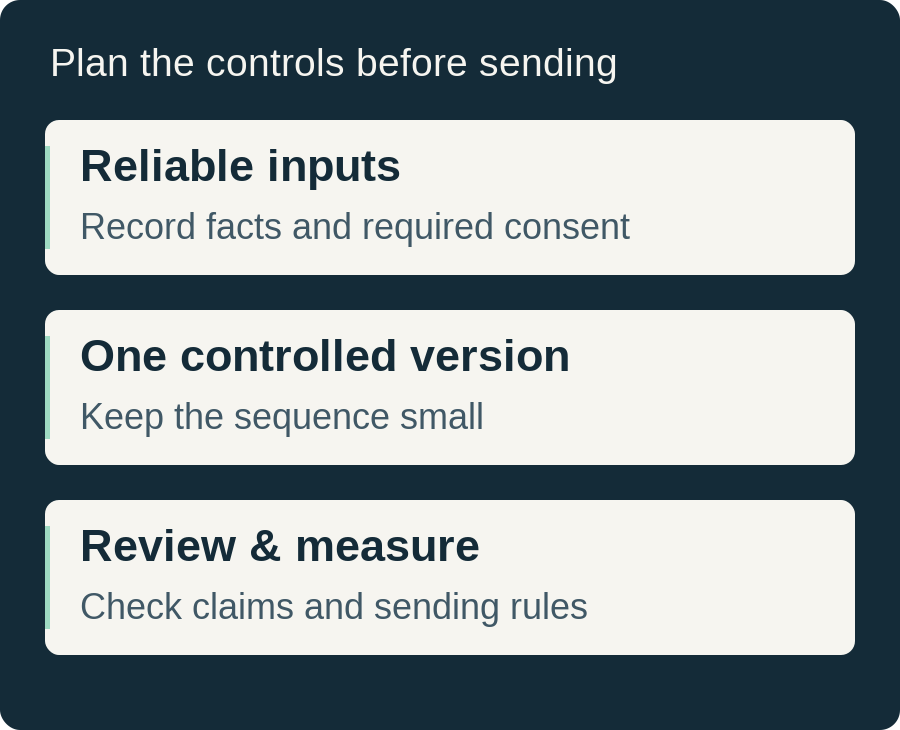
Separate the recipients by what they requested
| Recipient state | Useful message | Check first |
|---|---|---|
| Asked a question | An answer or a realistic next response time | The actual question |
| Requested a resource | Access and a starting instruction | The communication promised at signup |
| Purchased | Delivery and use information | The order and the correct resource |
Having an email address is not a reason to place every person in one continuing promotional sequence. Keep the requested communication and any optional marketing promise explicit.
Three replies for three different situations
For a new inquiry, try “I can review the current page on Tuesday. Please send the page URL and the main question you want it to answer.” If a person has not replied to the proposed time, ask whether a different time would help, with one clear way to respond. When someone declines, acknowledge the reply and close the sequence for that inquiry. If they signed up only to receive a resource, send that resource and apply the subscription rules they agreed to before sending other messages.
Deliver the promised resource first
A draft for the fictional checklist could read:
Here is the posting checklist you requested. Start with the completed example and choose one question for your next post. If the file will not open, reply with the problem you see.
Replace the resource name, access link and support wording with conditions you can actually fulfil. Avoid adding an unsupported result, such as a promise of more sales.
Define the stops before choosing the timing
| Event | Next action |
|---|---|
| A question arrives | Pause the sequence and respond individually |
| A purchase is confirmed | Remove pre-purchase reminders and check delivery |
| An unsubscribe request arrives | Stop promotional messages and verify the change |
| Delivery fails | Investigate rather than repeatedly retrying unchanged |
| There is no response | Review relevance and frequency without inventing urgency |
“Two days later” is a schedule, not a reason to send. Confirm that the person expects the next message and has not already moved to a different state.
Keep a one-line sending record
State: requested checklist
Purpose: explain access
Reason: the person asked for this file
Pause or switch on: question, purchase, unsubscribe
Unknown: whether additional promotional messages were requested
Do not send yet: the unconfirmed ongoing campaign
This record is useful even when you send messages manually. Assign a time and a person to read replies; automation should not keep delivering generic messages while an individual is waiting for help.
Test receipt and stopping separately
Use an address you control to inspect the subject, links, sender, reply address and mobile layout. If using automation, check that stopping the sequence also prevents its next scheduled message. An open event alone does not establish that someone read or understood the message.
For an example with three distinct educational messages, see the resource and email planning guide. The outcome here is smaller: one useful message and an explicit rule for when to stop.
What to do when a reply arrives early
Suppose a customer requests a sample Monday and replies Tuesday that they have enough information. Mark the conversation as received and remove Wednesday’s planned reminder. In the sending log, record the reply and why no further message is due.